
Improving Readability of Your Test Reports
The goal of Allure is to help you make test reports as easy to understand as possible. Ideally, when your colleague sees a test failure in the report, we want them to quickly understand the context: how serious the problem can be, what features are affected by it, and who can help them with investigating it further and eventually fixing it.
While sometimes the existence of the failure itself is enough to make some conclusions, it is not always the case. And even if the context seems obvious at the time of writing the test, the details may become forgotten when it fails after a few years of stable work.
For that reason, it is a good practice to fill tests with additional information, describing everything that a future reader may need.
With the Allure adapter for your test framework, you can:
- provide description, links and other metadata;
- describe parameters used when running parametrized tests;
- provide arbitrary environment information for the whole test report.
Some Allure adapters may support additional features, see their respective documentation.
Description, Links and Other Metadata
You can assign some fields that will help reader understand what a test does.
Title
A human-readable title of the test.
If not provided, the function name is used instead.

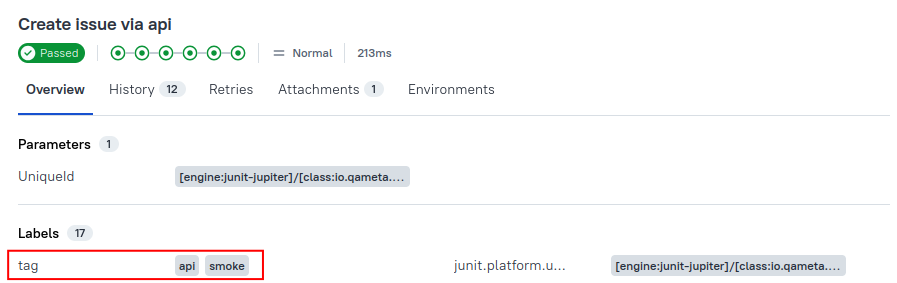
Tags
Any number of short terms the test is related to. Usually it's a good idea to list relevant features that are being tested. Tags can then be used for filtering.
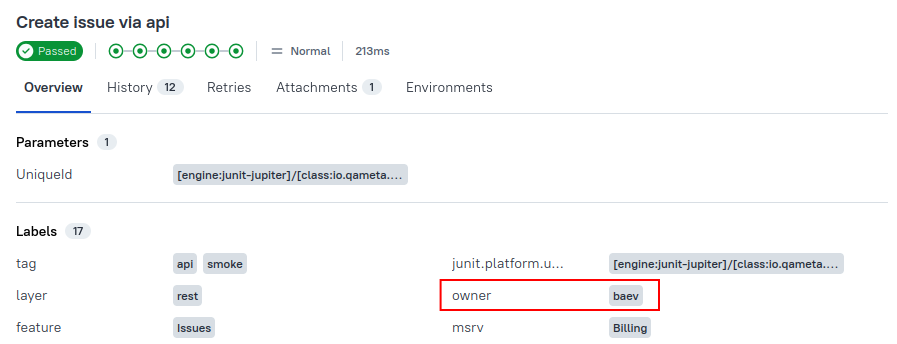
Owner
The team member who is responsible for the test's stability. For example, this can be the test's author, the leading developer of the feature being tested, etc.
Links
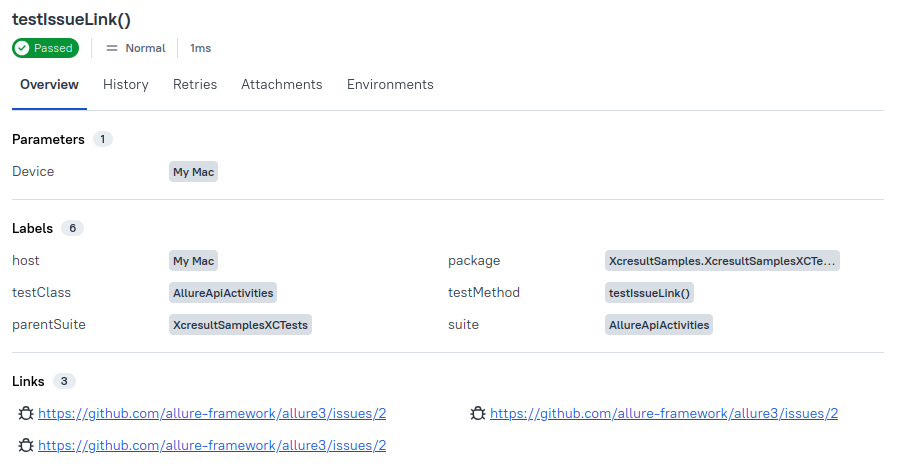
List of links to webpages that may be useful for a reader investigating a test failure. You can provide as many links as needed.
There are three types of links:
- a standard web link, e.g., a link to the description of the feature being tested;
- a link to an issue in the product's issue tracker;
- a link to the test description in a test management system (TMS).
It is recommended to configure the Allure adapter in such a way that it accepts short identifiers of issues and TMS links and uses a URL templates to generate full URLs. For example, an identifier BUG-123 can automatically turn into https://bugs.example.com/BUG-123. You can define your own types of links with their own URL templates. See the specific Allure adapter's documentation for more details.
ID
Unique identifier of the test.
The ID can be used by additional tools such as Allure TestOps.
Other Labels
Other key-value pairs.
The labels can be used by additional tools such as Allure TestOps.
Parametrized Tests
Sometimes you want to run the same test multiple times, each with different set of values. For instance, you may want to make sure that the system behavior does not change whether some string is empty or not. The pattern for writing tests with common logic but different values is called parametrized tests.
The recommended way to implement this pattern depends on the test framework.

Allure collects and displays data about the parameters where possible, while also providing functions for you to manually override parameter names and values for the report. This has multiple benefits for the readability of the report:
You may customize how Allure displays the parameters in the report — for example, make one of the parameters hidden.
If a test parameter is a complex object that is not displayed correctly, you can customize the value for the report specifically.
If two tests are very similar to each other, even though their implementations are independent, you can assign them identical titles and different parameters to help reader understand both the similarities and the differences of the two cases.
Note, however, that when test implementations differ significantly, it is usually better to organize them into suites, behaviors, or packages instead.
Environment Information
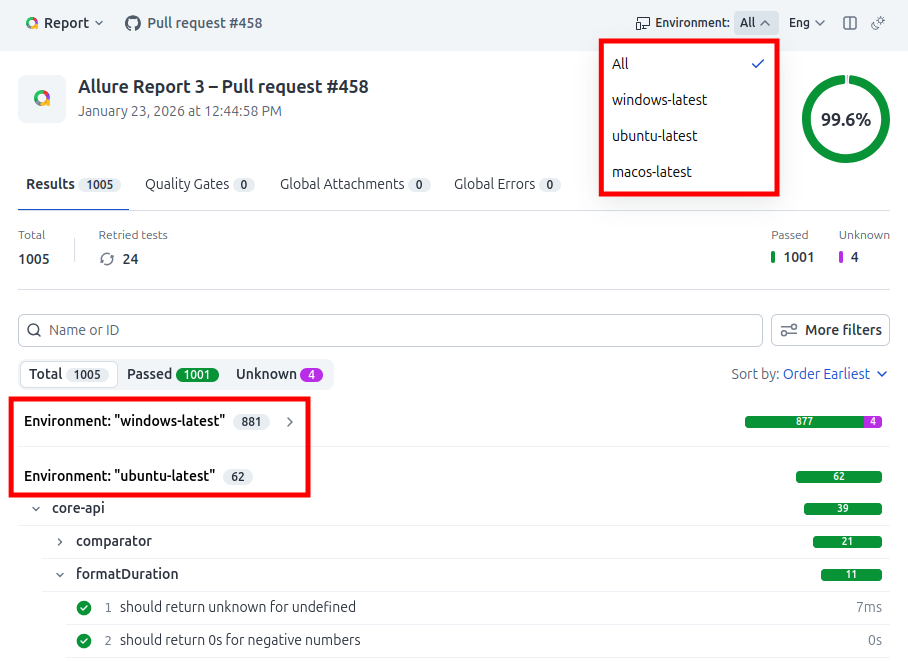
Allure Report 3 comes with a new Environments feature that lets you create multiple-environment reports and organize test results by environments. It also links results of the same test in different environments.
For example, you can use this to track the OS, browser, deployment environments, etc. This may help a future reader investigate bugs that are reproducible only in some environments.
Learn how it works and how to set it up here.